Calls, customer texts & team conversations
Keep conversations in the app you use for calls. Connect your messaging provider for SMS and supported MMS, bring your own messaging server, and use chat for your team's everyday conversations.
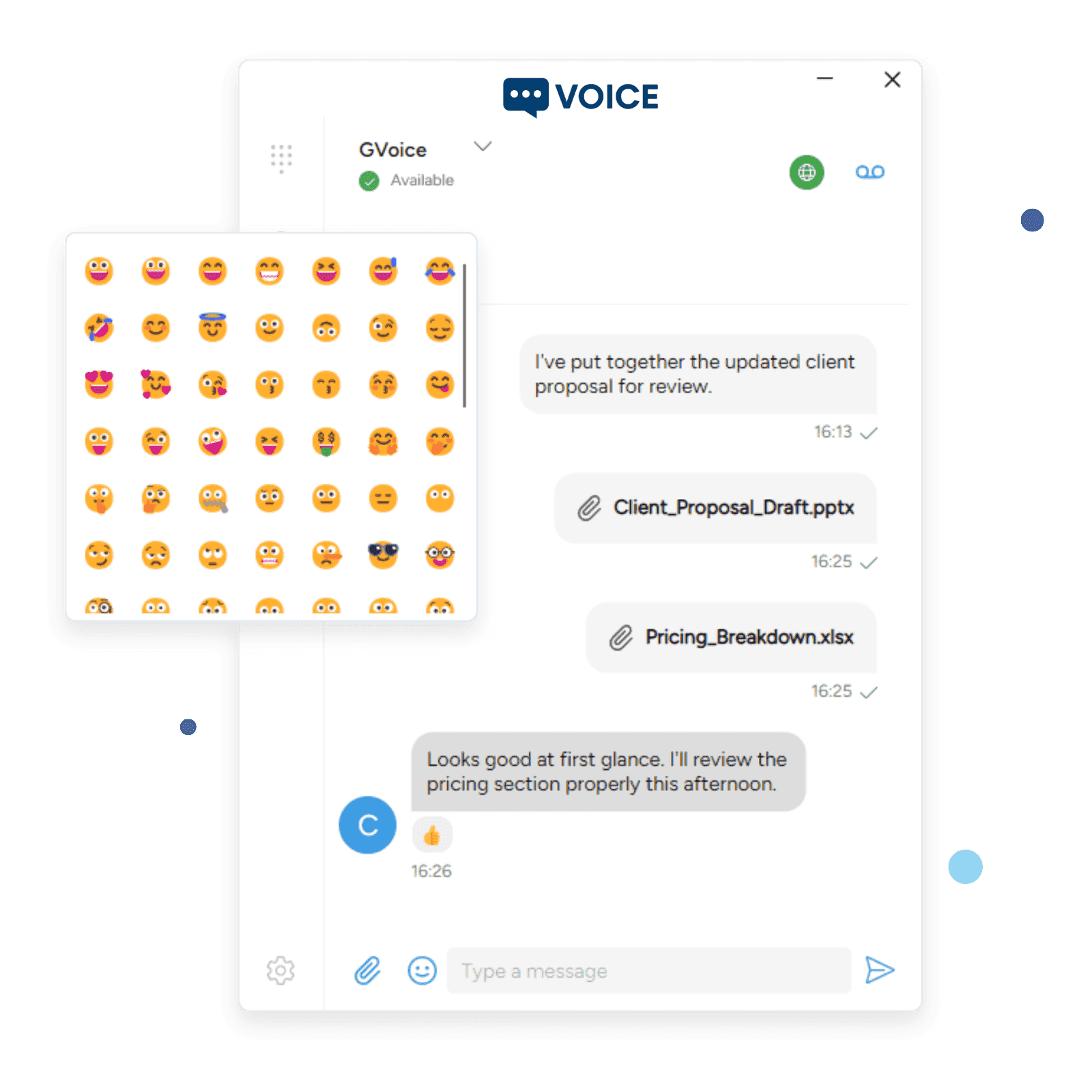
Instant Messages and Texts in One Place
Stop switching between apps. Handle all your business messaging from the same softphone your team uses for calls and video.
- Instant Messaging
SIP MESSAGE and secure chat with delivery and read receipts. Full message history synced across devices.
- Group Chat Rooms
Create and join chat rooms with room invitations, occupant management, and persistent message history.
- Business SMS and MMS
Connect a messaging provider or your own service for customer texts. Add photos and attachments when your connection, number and app support MMS.
Business messaging, on your terms
Connect your provider, bring an existing bridge, or run your own messaging service. Your SIP calls stay with your PBX.
Bring your messaging account. We run the inbox.
Connect a supported messaging provider in SessionCloud, assign a number to a SIP account and provision the app. Your team handles calls and customer texts in the same softphone.
- Your softphone
- SessionCloud
- Your provider
- Works well for
- Operators and teams who want a built-in connection and a managed messaging service.
- Who manages what
- SessionCloud manages the inbox, app access and notification requests. You manage the carrier account and number assignments.
- SMS and MMS
- SMS with supported providers. MMS on enabled Telnyx and VoIP Innovations / Sangoma numbers; availability depends on the number and app.
Built-in provider connections
- Telnyx
- Twilio
- DIDWW
- Andrews & Arnold
- VoIP Innovations / Sangoma
Choose a messaging-enabled number and assign it to the account that will use it. SMS, MMS and delivery receipts vary by connection. Carrier service and charges remain with your provider.
More messaging providers
SignalWire, Flowroute, Bandwidth, Voxtelesys, Telgorithm, Tychron, IntelePeer, VoIP.ms, Esendex USA, Inteliquent and Clearfly are available in the portal. Configure a connection and test it with your provider account before customer rollout. SMS, MMS and delivery-status support vary by provider.
Continue the conversation after a call
Text a customer from an assigned business messaging number. Keep calling and individual text conversations in the same app.
Offer messaging under your brand
Give your customers a branded softphone with messaging configured for their account. Connect several providers in one project as your service grows.
Build around your own service
Connect an existing gateway or implement the direct service API. Keep your carrier integration and choose who operates the app's inbox.
Using standalone SessionTalk Pro or Free? Connect your own SMS service in the app
Rich Messaging Experience
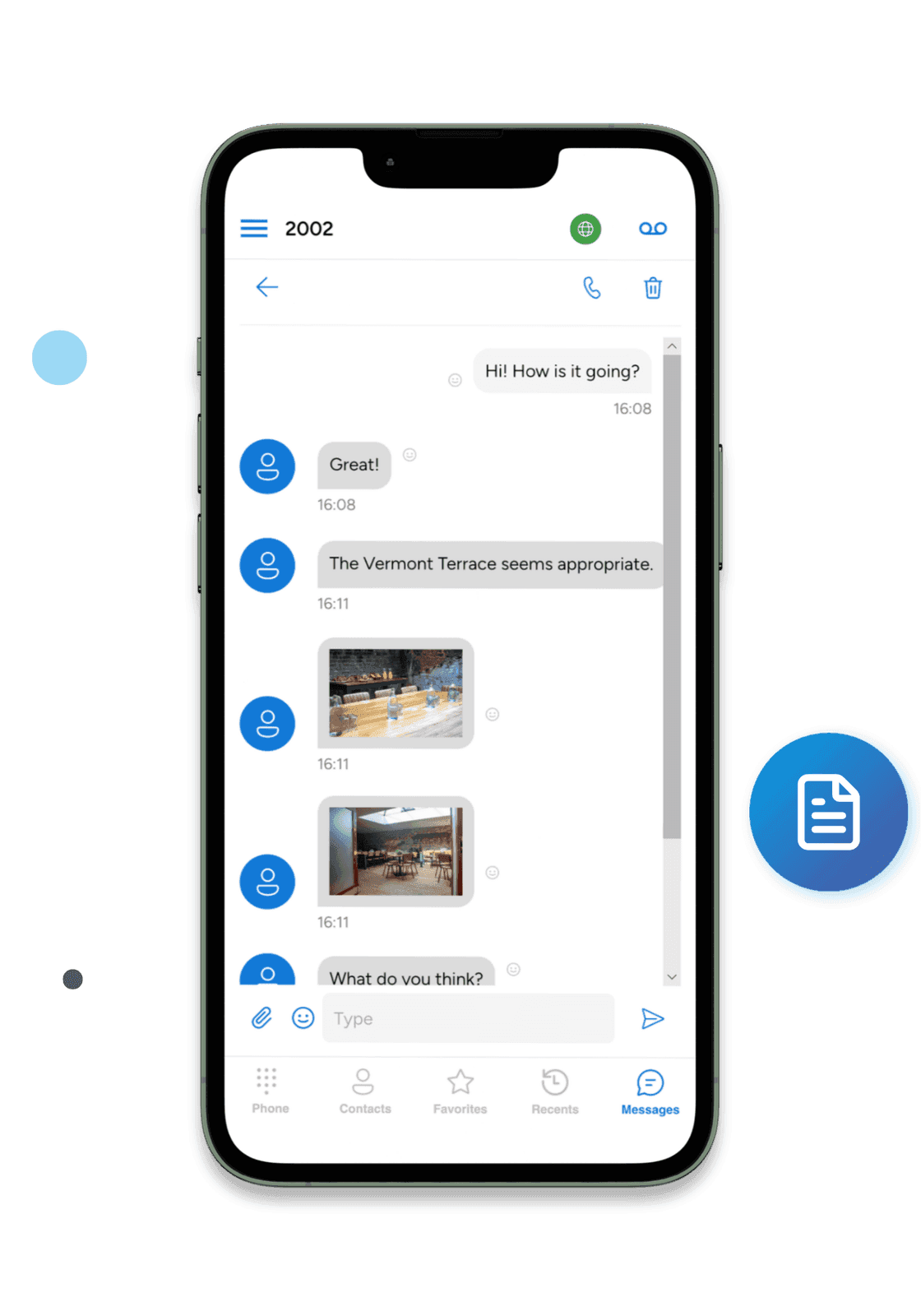
More than plain text. Share images, documents, and files directly in your conversations. React to messages with emoji. See when your team is typing. Every file transfer is encrypted end to end with per-message keys.
- Emoji Reactions
- React to any message with emoji
- File Sharing
- Share images and documents with thumbnails
- Encrypted Transfers
- End-to-end encrypted file transfers
- Read Receipts
- See typing indicators and delivery status
Real-Time Presence & Status
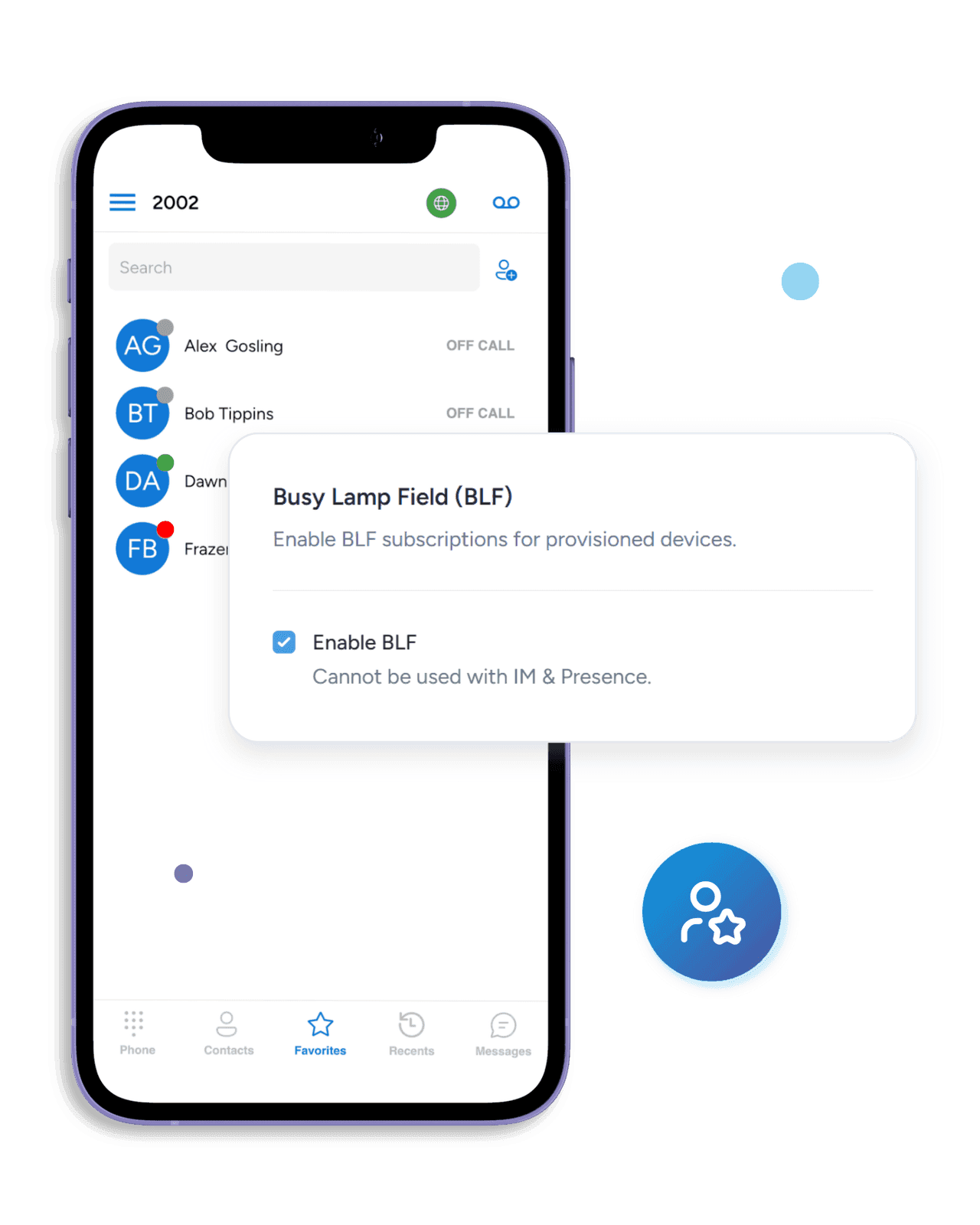
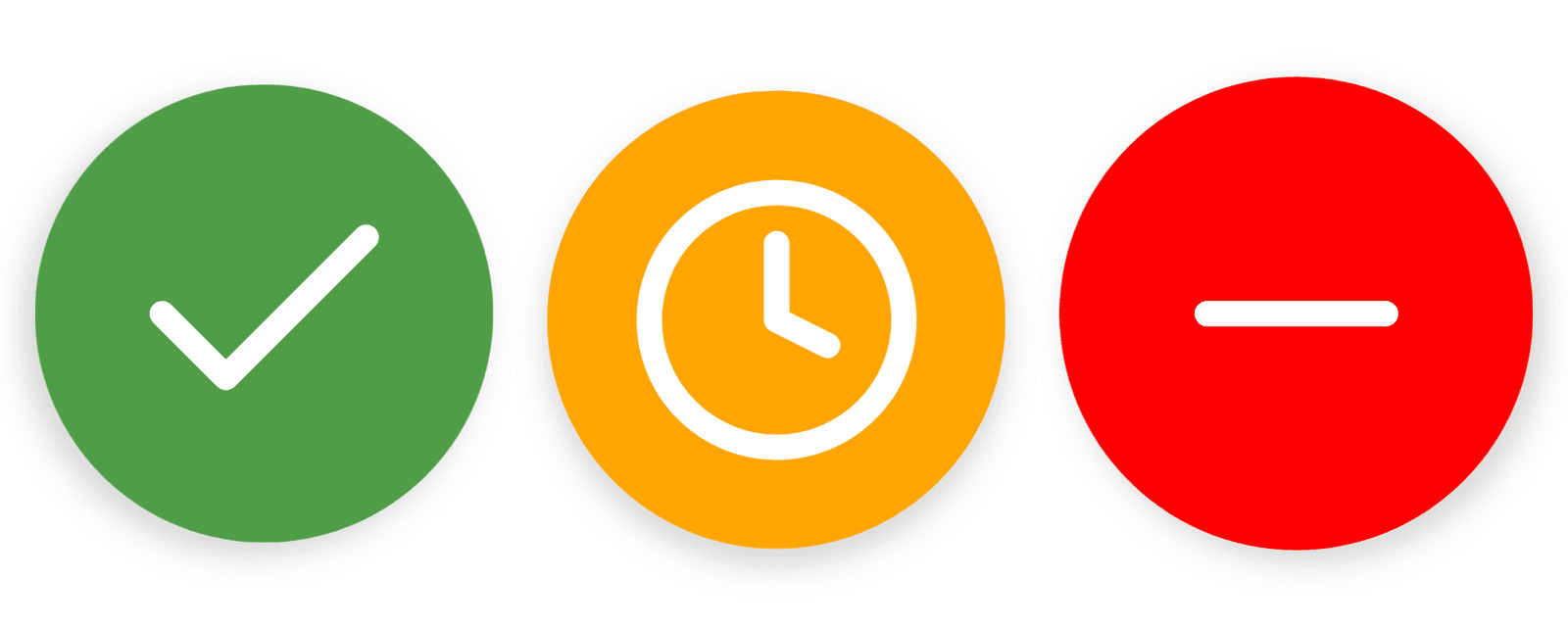
See your entire team's availability at a glance. Online, Away, Busy, Do Not Disturb, On The Phone — presence updates in real time so you always know who's available before you call or message.
- Presence States
- Online, Away, Busy, DND, On Call
- Protocol Support
- SIP and messaging-layer presence subscriptions
- BLF Monitoring
- Call center visibility and status
Chat History That Follows You to Every Device
Start a conversation on your phone, continue it on your desktop. Message history syncs across all your devices seamlessly.
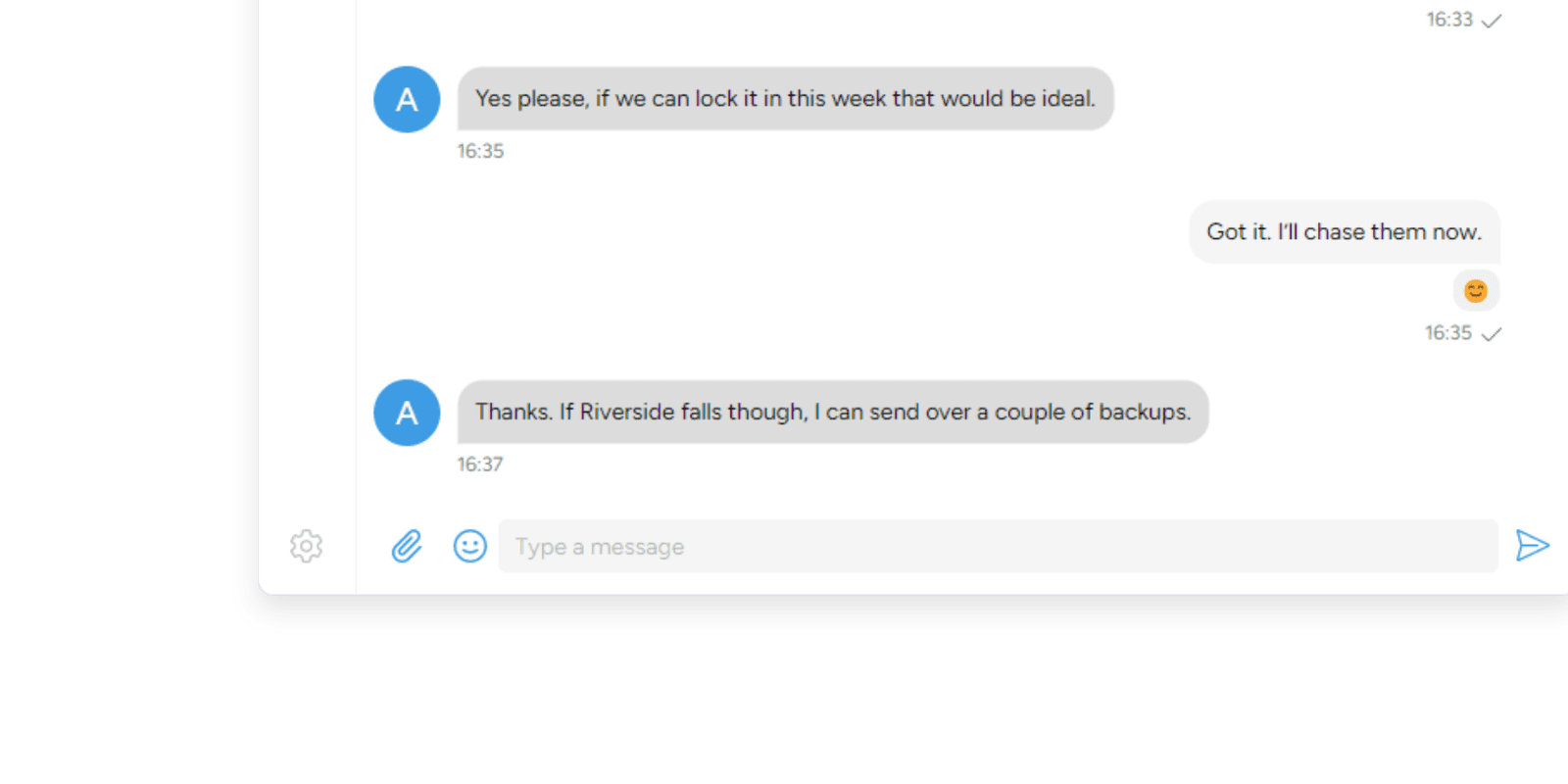
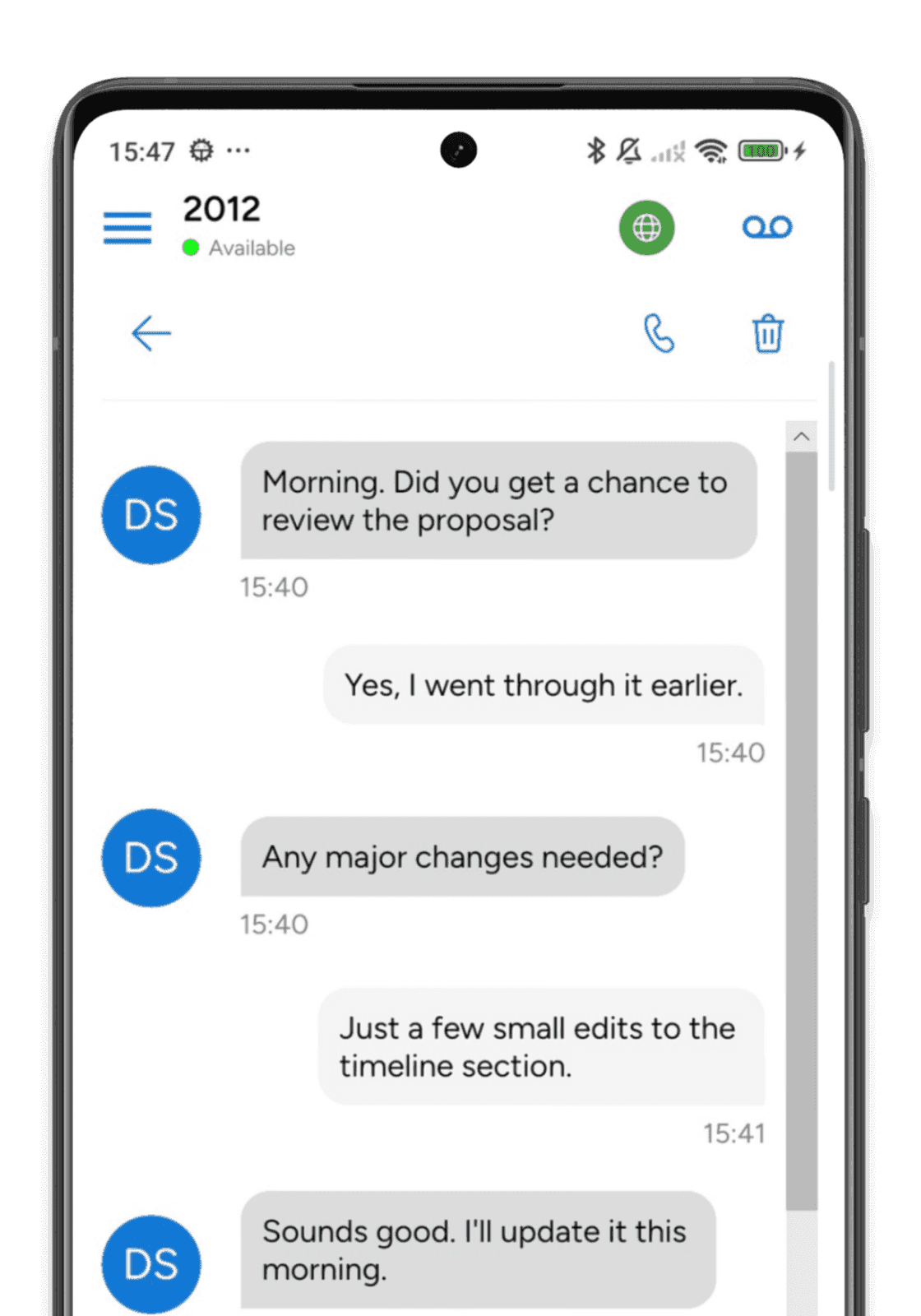
Express Yourself
Full emoji keyboard built into every chat and SMS conversation

Presence Awareness
Presence shows who's available, away, or busy at a glance
Encrypted at Every Layer
Your business conversations are sensitive. SessionCloud protects text messaging with TLS-encrypted signaling in transit, and file transfers add per-message end-to-end encryption on top.
Message Encryption Pipeline
- End-to-End Encrypted Files
Every file transfer is encrypted with unique per-message keys. Your documents stay private even in transit.
- TLS-Secured Messaging
All messaging signaling is encrypted with TLS. Messages cannot be intercepted or read by third parties.
- Encrypted Credential Storage
SIP and messaging credentials are stored using each operating system's protection mechanisms — no plaintext passwords sitting in accessible files.
- Certificate Verification
Server certificates are validated to prevent man-in-the-middle attacks on your messaging connections.
Softphone messaging — common questions
- Can I keep my existing PBX and messaging provider?
Yes. SIP calls stay with your PBX. For messaging, connect a supported provider in SessionCloud, use a custom SMS gateway, or host the app-facing messaging service yourself. Your carrier must enable SMS or MMS on the number you assign.
- Which messaging providers can I connect?
Existing portal connections include Telnyx, Twilio, DIDWW, Andrews & Arnold, and VoIP Innovations / Sangoma. SignalWire, Flowroute, Bandwidth, Voxtelesys, Telgorithm, Tychron, IntelePeer, VoIP.ms, Esendex USA, Inteliquent and Clearfly are also available in the portal. Configure your provider account and number in the portal. SMS, MMS and delivery-status support differ by integration; the documentation lists each connection's requirements and scope.
- How is Custom SMS gateway different from a customer-hosted messaging service?
With Custom SMS gateway, the app uses SessionCloud's inbox and API; SessionCloud sends outgoing texts to your gateway, and your bridge forwards incoming texts to a private webhook. With a customer-hosted messaging service, the app contacts your server directly. You provide the inbox, user authentication, carrier integration and notification requests.
- Can I connect more than one messaging provider?
Yes. A BYO PBX project can save connections to several providers. Each messaging number uses one connection and is manually assigned to one SIP account. Configure the provider once, then assign the accounts that need messaging and deliver their account provisioning.
- Does the softphone support carrier MMS?
MMS is supported for enabled Telnyx numbers and configured North American VoIP Innovations / Sangoma numbers with carrier MMS service. Flowroute, Voxtelesys, Telgorithm, VoIP.ms, Inteliquent and Clearfly connections also enable MMS, with provider-specific attachment limits. A customer-hosted server can implement the optional MMS API. The connection, number and app must support attachments. Twilio, DIDWW, A&A and Custom SMS gateway connections currently provide text SMS in this integration. Group MMS is not supported; team-chat file sharing is a separate service.
- Can I point the app directly at my own messaging server?
Yes, using the customer-hosted messaging service interface. Supply your service URLs and each user's service credentials through account provisioning. Your server must implement the documented inbox, device registration and sending behavior; entering an arbitrary carrier API URL alone does not provide a compatible messaging service.
- Does an accepted message mean it reached the recipient?
No. Acceptance means the messaging service accepted the request. Final delivery depends on the carrier and its delivery receipts. Some connections do not report final delivery, and an uncertain response should be checked with the provider before sending again.
- How do users get their messaging settings?
An administrator assigns the number to the exact SIP username and domain, then provides updated account configuration through a private provisioning QR code or authenticated external provisioning. A working SIP login alone does not configure a general messaging API connection.
- Can standalone SessionTalk Pro and Free use a custom service?
Yes. Standalone apps have separate HTTPS SMS and web-service setup guides, including an example bridge. A SessionCloud project is not required for manual standalone setup. App version and plan requirements are listed in those guides.
- Are team chat and group conversations still available?
Yes, with a configured chat service. Team chat provides individual and group conversations and file sharing. Provider SMS and MMS are separate connections for reaching phone numbers, and do not turn a carrier conversation into a team chat room.
- Which devices can use messaging?
SessionTalk has apps for iOS, Android, Windows and macOS. The messaging options available depend on the app release, account configuration and service. Check the setup guide for your connection before deploying it across your devices.
- How is message access protected?
The app uses authenticated connections to its configured messaging service. For managed provider connections, carrier credentials stay on SessionCloud and the app receives access for its assigned inbox. With a customer-hosted messaging service, you manage authentication and storage. Carrier SMS and MMS should not be treated as end-to-end encrypted chat.
Beyond Chat — voice, tickets, WhatsApp
How SMS, WhatsApp, and helpdesk tickets fit alongside voice — plus the recording and QA that keep every channel accountable.

SMS and WhatsApp in Omnichannel Contact Centers
Routing, identity, and compliance considerations for weaving SMS and WhatsApp into an existing contact-center flow without breaking agent tooling.

Omnichannel Contact Center for Helpdesk Teams: Voice, Chat and Tickets Together
Wire voice, chat, and ticketing into one workflow — without replacing the tools your helpdesk team already runs.

Call Recording and QA for Omnichannel Contact Centers
Recording, QA review, retention windows, and supervisor processes that scale across voice and text channels without turning agents into paperwork.
Business Messaging for Your Entire Team
Chat, group messaging, and SMS in one app. Start your free 14-day trial today.